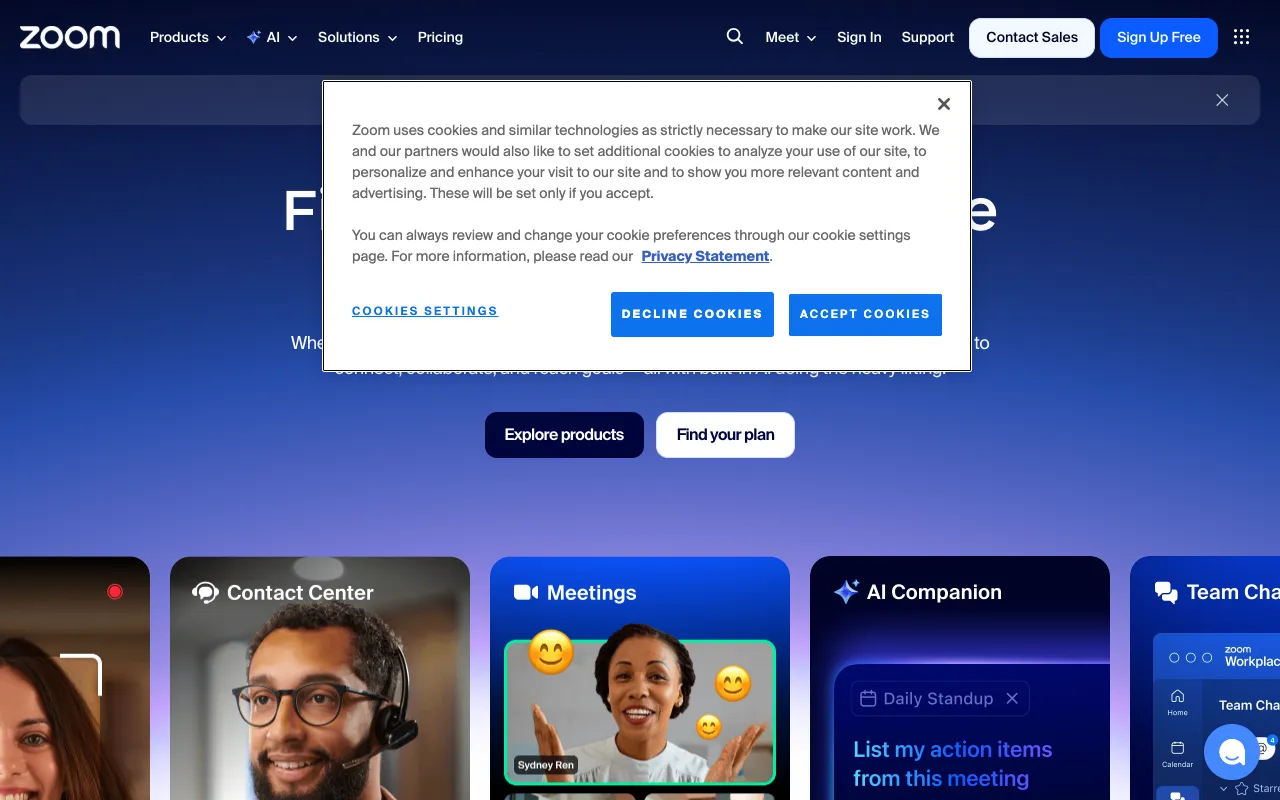
Zoom – The Essential Video Conferencing Tool for Web Developers
Zoom has become the cornerstone of communication for modern web development teams, especially in remote and hybrid environments. More than just a meeting app, it's a critical platform for daily standups, collaborative pair programming sessions, detailed code reviews, and client project demonstrations. With its robust screen sharing, crystal-clear audio, and reliable performance, Zoom eliminates geographical barriers and keeps development workflows synchronized and productive.
What is Zoom for Web Development?
Zoom is a proprietary, cloud-based videotelephony platform that powers real-time video and audio communication. For web developers, it transforms into a virtual collaboration hub. It's the digital space where distributed teams conduct their daily scrums, where senior developers visually walk juniors through complex logic during pair programming, and where stakeholders finally see the live demo of the application they've invested in. Its primary audience includes development team leads, remote engineers, freelance developers needing client consultations, and tech companies managing distributed agile teams.
Key Features of Zoom for Developers
High-Fidelity Screen Sharing
Share your entire desktop, a specific application window (like your IDE or browser), or just a Chrome tab. This is indispensable for live debugging, presenting UI/UX designs, walking through architecture diagrams, or demonstrating a new feature in a staging environment without any quality loss.
Meeting Recording & Transcripts
Automatically record standups, sprint planning sessions, or client requirement meetings directly to the cloud or your local machine. Cloud recordings often include automated transcripts, making it easy to search for specific decisions or technical details discussed weeks ago, ensuring no critical project context is lost.
Breakout Rooms for Focused Collaboration
Perfect for large team meetings or workshops. The host can split participants into smaller, separate sessions. Use this for simultaneous bug-squashing groups, separate feature discussion teams during planning, or conducting parallel technical interviews during hiring sprints, then bring everyone back to the main room to share insights.
Virtual Backgrounds & Touch Up My Appearance
Maintain a professional image during impromptu client calls or public webinars, even from a home office. The virtual background feature also helps protect privacy by hiding your actual workspace. The 'Touch Up My Appearance' feature provides a subtle soft-focus filter for a more polished look on camera.
Integrated Chat & File Sharing
The persistent in-meeting chat allows team members to share code snippets, error log links (via Pastebin or GitHub Gist), documentation URLs, or small asset files without interrupting the speaker. This keeps all relevant project communication tied to the specific meeting context.
Who Should Use Zoom?
Zoom is ideal for any professional involved in web development who relies on clear visual and verbal communication. This includes: Remote and hybrid development teams for daily syncs; Engineering managers conducting one-on-ones and team retrospectives; Freelance developers and agencies who need to present work and gather feedback from clients; Open-source project maintainers hosting community calls or contributor onboarding; Tech educators and bootcamp instructors delivering live coding sessions; and Recruiters and hiring managers performing technical interviews and coding assessments.
Zoom Pricing and Free Tier
Zoom offers a generous free tier (Basic) that is perfect for small teams or individual developers. It allows hosting meetings with up to 100 participants for a maximum of 40 minutes per session, which is often sufficient for daily standups or quick syncs. For longer client calls, sprint planning, or workshops, paid plans (Pro, Business, Enterprise) remove the time limit, increase participant caps, offer cloud recording with transcripts, and provide dedicated customer support. This scalable model lets teams start for free and upgrade as their collaboration needs grow.
Common Use Cases
- Conducting remote whiteboard sessions for system architecture design
- Hosting live QA testing sessions with product owners and stakeholders
- Performing virtual pair programming to onboard junior developers or tackle complex bugs
Key Benefits
- Reduces project miscommunication by enabling face-to-face discussion and visual confirmation of issues
- Accelerates decision-making cycles by bringing all stakeholders into one virtual room instantly
- Creates a searchable archive of project decisions and technical discussions through recorded meetings
Pros & Cons
Pros
- Unmatched reliability and audio/video quality critical for professional meetings
- Extremely low-latency screen sharing perfect for live coding demonstrations
- Wide adoption means clients and partners are likely already familiar with the platform
- Powerful free tier that covers the needs of many small development teams
Cons
- The 40-minute limit on group meetings for free tiers can interrupt longer workshops or planning sessions
- Can be resource-intensive on older machines, potentially affecting IDE performance if sharing your screen
- Advanced security features like end-to-end encryption are not enabled by default on all plans
Frequently Asked Questions
Is Zoom free for web development teams?
Yes, Zoom offers a robust free plan (Basic) that supports meetings with up to 100 participants. The main limitation is a 40-minute cap on group meetings, but this is often sufficient for daily standups and quick team syncs. For longer client demos or sprint retrospectives, a paid plan is recommended.
Is Zoom good for pair programming?
Absolutely. Zoom is excellent for pair programming due to its high-quality, low-latency screen sharing. One developer can share their IDE window while both discuss logic and write code in real-time. Using the annotation tools, the observing partner can even draw directly on the shared screen to highlight specific lines or suggest edits.
Can I record a code review session on Zoom?
Yes, you can easily record any Zoom meeting, including code reviews. This is incredibly valuable for creating reference material for absent team members or for junior developers to review later. Paid plans offer cloud recording with automatic transcripts, making the review content searchable by spoken keywords.
How does Zoom compare to other tools for developer meetings?
Zoom often excels in pure reliability and meeting-focused features like breakout rooms and robust host controls. While tools like Google Meet integrate seamlessly with Google Workspace, and Microsoft Teams is deep-linked with Azure DevOps, Zoom's strength is its laser focus on delivering a consistently high-quality, frictionless meeting experience, which is paramount for effective technical collaboration.
Conclusion
For web developers and technical teams, consistent and clear communication is non-negotiable. Zoom delivers this by providing a reliable, feature-rich platform that turns video calls into powerful collaboration sessions. Whether you're a freelance developer briefing a client, a remote team conducting a sprint review, or an engineer walking a colleague through a tricky bug, Zoom offers the visual fidelity and tools necessary to get the job done effectively. Its scalable pricing, starting with a genuinely useful free tier, makes it a top-tier choice and an essential utility in the modern developer's toolkit.