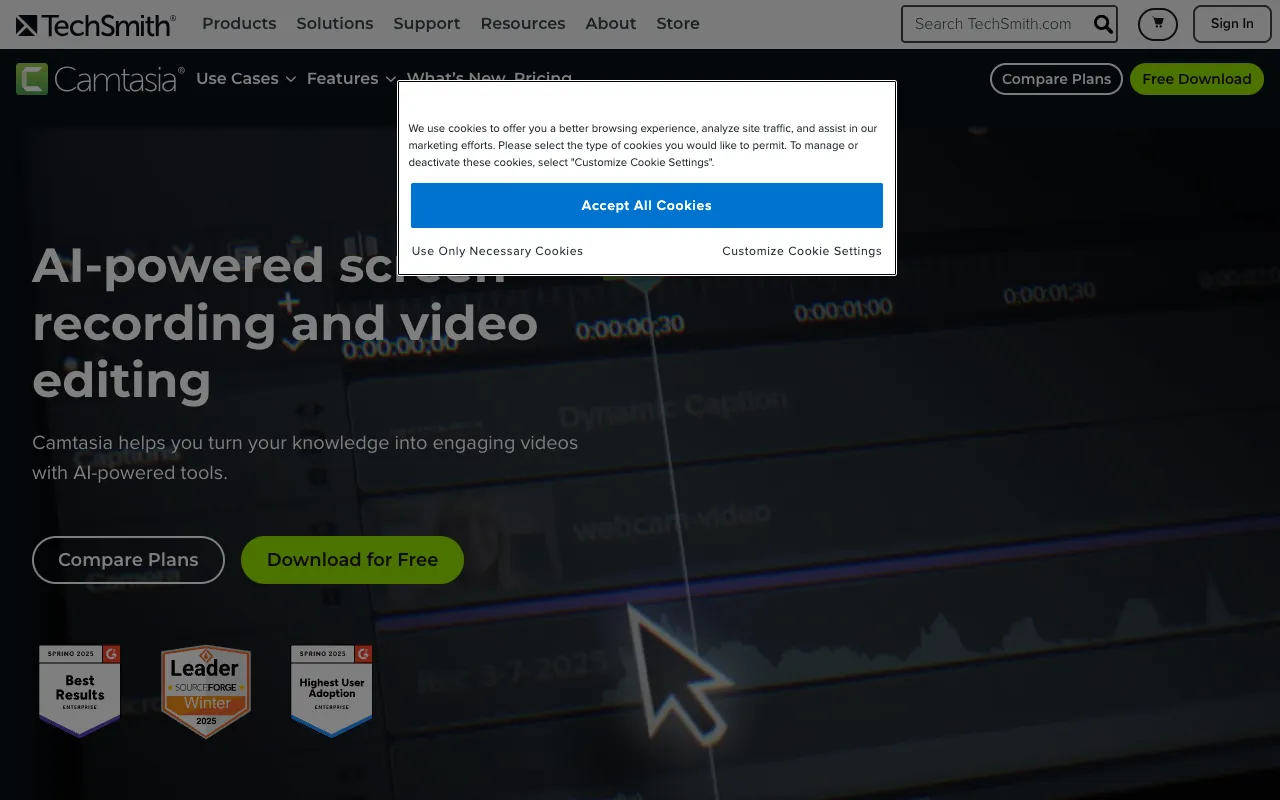
Camtasia – Best Screen Recording & Video Editing Software for Tutorials
Camtasia is the definitive all-in-one screen recording and video editing solution for professionals who need to create polished, effective tutorials, software demos, training videos, and presentations. Unlike generic video editors, Camtasia is purpose-built for educational and instructional content, combining a powerful screen recorder with an intuitive, feature-rich timeline editor. It's the go-to software for educators, corporate trainers, marketers, and content creators who demand professional results without a steep learning curve.
What is Camtasia?
Camtasia is a desktop software application developed by TechSmith, designed specifically for capturing on-screen activity and transforming it into professional-grade video content. Its core purpose is to simplify the creation of instructional and presentation videos. The software seamlessly integrates high-quality screen recording capabilities with a robust yet user-friendly video editor, eliminating the need to switch between multiple applications. Its primary audience includes online course creators, software trainers, educators, marketing teams producing product demos, and any professional who needs to communicate complex information visually and clearly.
Key Features of Camtasia
High-Fidelity Screen & Webcam Recording
Capture everything on your screen in crystal-clear quality, including system audio, microphone narration, and webcam video. Record your entire screen, a specific window, or a custom region. This feature is essential for creating seamless software tutorials, walkthroughs, and personalized video presentations.
Intuitive Drag-and-Drop Video Editor
Edit your recordings on a multi-track timeline with drag-and-drop simplicity. Trim clips, split scenes, and rearrange content effortlessly. The editor is powerful enough for professional results but designed to be accessible for users who aren't video editing experts.
Built-in Assets Library (Templates, Music, Annotations)
Jumpstart your projects with a vast library of royalty-free music, animated backgrounds, lower thirds, callouts, and cursor effects. Use pre-built video templates to maintain brand consistency and save significant production time on every project.
Interactive Quizzes and Callouts
Enhance viewer engagement and knowledge retention by adding interactive quizzes, clickable hotspots, and animated callouts directly into your videos. This is a game-changer for e-learning and training content, making videos more than just passive viewing experiences.
One-Click Sharing & Export Options
Publish your finished videos directly to YouTube, Vimeo, Screencast.com, or Google Drive with optimized settings. Export to MP4, GIF, or other popular formats. Camtasia handles the technical encoding, so you can focus on distribution.
Who Should Use Camtasia?
Camtasia is the ideal tool for any professional or creator whose work involves teaching, explaining, or demonstrating. Primary user groups include: Corporate Trainers and L&D Teams creating internal onboarding and training modules; Online Course Instructors and Educators building curriculum for platforms like Udemy or Teachable; Software Developers and SaaS Companies producing user guides and feature demonstrations; Digital Marketers and Product Managers crafting engaging product launch videos and explainer content; YouTubers and Content Creators focusing on tutorial-based channels. If your goal is to create clear, authoritative, and visually appealing instructional video content efficiently, Camtasia is built for you.
Camtasia Pricing and Free Trial
Camtasia is a premium, paid desktop application with a one-time perpetual license fee, which includes the current version and one year of maintenance (updates and support). After the first year, you can choose to renew the maintenance for continued updates. TechSmith offers a fully functional, free 30-day trial of Camtasia, allowing you to test all features with your own projects. This trial is the best way to evaluate if Camtasia fits your workflow. While there is no indefinite free tier, the one-time purchase model provides long-term value without recurring subscription fees for many users.
Common Use Cases
- Creating professional software tutorial videos for SaaS products
- Producing engaging online course content for e-learning platforms
- Developing internal employee training and onboarding video modules
- Recording and editing high-quality product demonstration videos for marketing
Key Benefits
- Drastically reduces video production time by combining recording and editing in one tool
- Increases viewer comprehension and engagement with interactive elements and clear visuals
- Enhances professional credibility with polished, branded video outputs
- Solves the complexity of video creation for non-video experts, making professional results accessible
Pros & Cons
Pros
- Unmatched integration of screen recording and editing tailored for tutorials
- Extensive library of pre-built assets and templates accelerates workflow
- Interactive features like quizzes add significant value for educational content
- One-time perpetual license model (with optional updates) avoids ongoing subscription costs
Cons
- Primarily focused on screen-based content, less ideal for complex cinematic video editing
- Lacks a true free plan, only a time-limited trial
- Advanced motion graphics and 3D effects require other specialized software
Frequently Asked Questions
Is Camtasia free to use?
Camtasia is not free software. TechSmith offers a fully-featured, free 30-day trial to test the application. After the trial, a one-time perpetual license purchase is required for continued use, which includes the current version and one year of updates and support.
Is Camtasia good for beginners in video editing?
Yes, Camtasia is excellent for beginners, especially those creating tutorial and presentation content. Its interface is designed to be intuitive, with drag-and-drop editing, helpful templates, and clear workflows. It provides professional results without the overwhelming complexity of editors like Adobe Premiere Pro or DaVinci Resolve, making it the best tool for video editors new to the craft who need to produce quality work quickly.
Can I use Camtasia for YouTube videos?
Absolutely. Camtasia is a popular choice for YouTubers who create tutorial, educational, software review, or presentation-style content. Its direct publishing feature to YouTube, built-in assets, and efficient editing workflow make it ideal for consistently producing high-quality videos for your channel.
What is the main difference between Camtasia and other video editors?
The core difference is Camtasia's specialized focus. While general video editors (like Premiere) handle all types of footage, Camtasia is optimized specifically for screen-recorded content and instructional design. It excels at workflows involving recording your screen, adding annotations, integrating quizzes, and simplifying complex edits common in tutorials, which are often cumbersome in general-purpose editors.
Conclusion
For professionals dedicated to creating exceptional tutorial, training, and presentation videos, Camtasia remains the industry-standard solution. Its unique strength lies in perfectly blending a powerful screen recorder with an editor built for clarity and pedagogy, not just aesthetics. While other tools may offer more advanced cinematic features, none match Camtasia's streamlined efficiency and purpose-driven toolkit for educational content. If your primary goal is to explain, teach, or demonstrate effectively on screen, downloading the free trial of Camtasia is the most logical first step toward elevating your video production quality and impact.