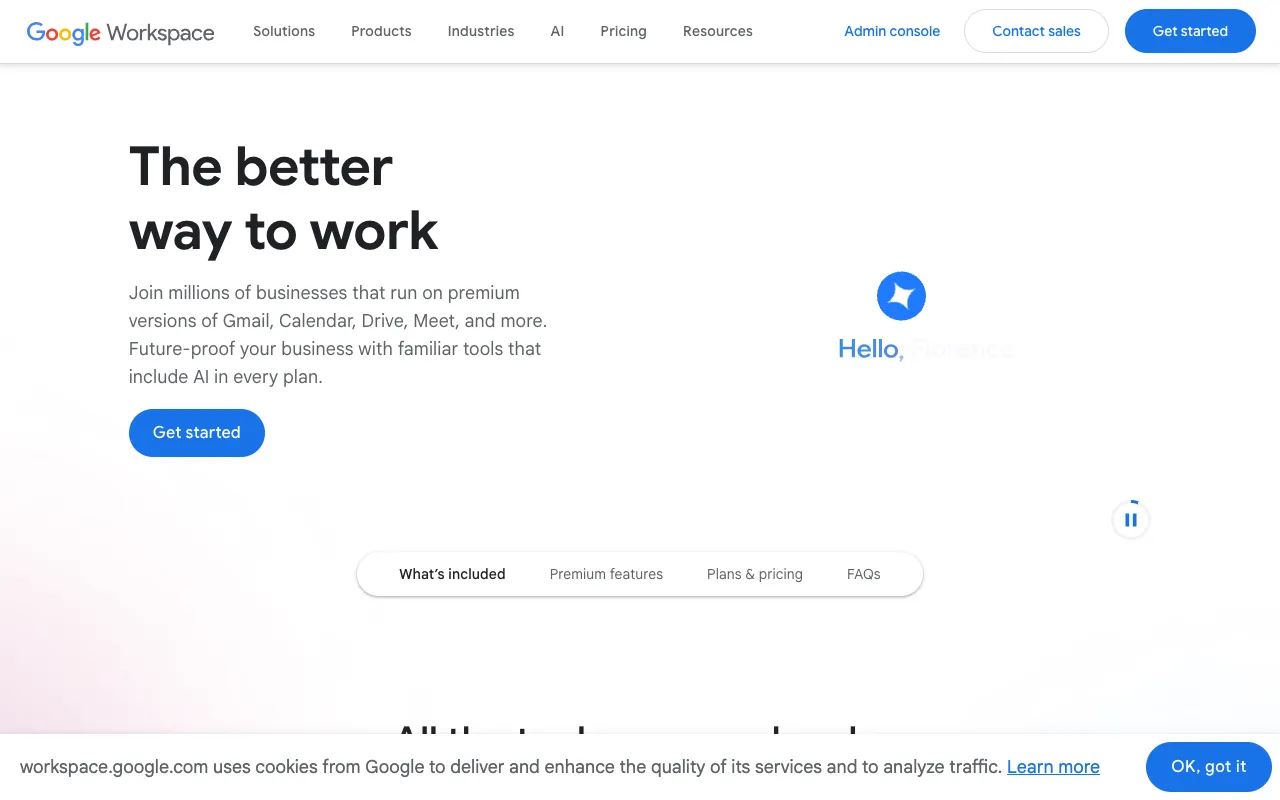
Google Workspace – The Complete Productivity Suite for Startup Founders
For startup founders building and scaling a team, seamless collaboration and professional tools are non-negotiable. Google Workspace is the industry-leading cloud productivity suite that combines professional business email (@yourcompany.com), real-time document editing, virtually unlimited cloud storage, and enterprise-grade video conferencing into one integrated platform. It eliminates the friction of using disparate tools, enabling your team to work together from anywhere, on any device, with security and reliability built-in.
What is Google Workspace?
Google Workspace (formerly G Suite) is a subscription-based portfolio of cloud computing, productivity, and collaboration tools developed by Google. It's designed specifically for businesses and organizations, moving beyond consumer-grade services by adding custom business email, enhanced administrative controls, increased storage, and 24/7 support. For startups, it's the foundational operating system for communication, documentation, and project execution, allowing teams to create, communicate, and collaborate without the traditional bottlenecks of installed software or file version chaos.
Key Features of Google Workspace for Startups
Professional Business Email with Gmail
Establish credibility from day one with a custom email address (e.g., name@yourstartup.com) using Gmail's powerful, ad-free interface. It includes industry-leading spam protection, smart search, and seamless integration with Calendar and Drive, ensuring your team's communication is professional, organized, and secure.
Real-Time Collaboration with Docs, Sheets & Slides
Create, edit, and collaborate on documents, spreadsheets, and presentations simultaneously with your team. See changes in real-time, use comment and suggestion modes, and maintain a single source of truth. This eliminates the endless email attachments and version confusion, dramatically accelerating decision-making and content creation.
Centralized Cloud Storage with Google Drive
Securely store, share, and access all your company's files from any device. With generous pooled storage per user, you can keep everything from pitch decks and financial models to design assets in one searchable, organized location. Advanced sharing permissions give you control over who can view, comment, or edit.
Integrated Video Meetings with Google Meet
Host secure, high-definition video meetings directly from your calendar invite or a link. Integrates natively with Gmail and Calendar, supporting large team calls, screen sharing, and real-time captions. It's a reliable solution for daily stand-ups, investor updates, and remote team collaboration.
Unified Calendar for Team Scheduling
Google Calendar helps your team coordinate seamlessly. Easily find meeting times, schedule shared resources (like conference rooms), and see colleagues' availability. Integration with Gmail and Meet makes scheduling and joining meetings effortless.
Who Should Use Google Workspace?
Google Workspace is the definitive choice for startup founders building a remote or hybrid team, tech startups requiring robust collaboration, and any new business that needs to present a professional image. It's ideal for founders who want to avoid the IT complexity of managing separate email servers, file storage solutions, and office software licenses. From solopreneurs establishing their brand to scaling teams of 50+, Workspace provides a unified system that grows with you.
Google Workspace Pricing and Plans
Google Workspace operates on a per-user, per-month subscription model, with no permanent free tier for business features like custom email. However, it offers a 14-day free trial for all plans. Pricing starts with the 'Business Starter' plan, which is cost-effective for early-stage startups and includes professional email, 30 GB of storage, and standard support. Higher-tier plans ('Business Standard', 'Business Plus') offer more storage, enhanced security controls, and advanced meeting features, suitable for growing startups with more complex needs.
Common Use Cases
- Setting up a professional email address for your startup to build trust with customers and investors
- Collaborating on a startup business plan or investor pitch deck in real-time with co-founders
- Managing remote team workflows with shared drives, synchronized calendars, and integrated video calls
Key Benefits
- Accelerates team productivity by centralizing communication, content creation, and file management in one platform
- Reduces IT overhead and software costs by providing an integrated suite instead of multiple point solutions
- Enhances startup professionalism and brand identity with custom domain email and consistent tooling
Pros & Cons
Pros
- Unmatched real-time collaboration that is intuitive and requires minimal training
- Extremely reliable and secure cloud infrastructure with 99.9% uptime SLA
- Seamless integration between all core apps (Gmail, Calendar, Drive, Docs, Meet)
- Scalable plans that grow with your startup from a few users to thousands
Cons
- Requires a paid subscription; no free business tier with custom domain email
- Offline functionality, while available, is not as robust as some desktop-installed office suites
- Advanced administrative and data loss prevention features are locked in higher-tier plans
Frequently Asked Questions
Is Google Workspace free for startups?
Google Workspace does not have a permanent free plan for business use, including custom email domains. However, startups can utilize a 14-day free trial of any plan. For very early-stage testing, the consumer versions of Gmail, Drive, and Docs (with a @gmail.com address) are free but lack professional branding and business administration tools.
Why do startup founders choose Google Workspace?
Startup founders choose Google Workspace for its simplicity, collaboration-first design, and reliability. It allows a team to get set up in minutes, collaborate on documents in real-time from day one, and present a unified, professional image to the market. It reduces friction in early-stage workflows, which is critical when moving fast and iterating quickly.
How does Google Workspace compare to Microsoft 365 for startups?
Google Workspace is cloud-native and excels in real-time, simultaneous collaboration and ease of use. Microsoft 365 offers deeper features in traditional desktop applications like Excel and PowerPoint and may be preferred in enterprise-heavy industries. For most agile, modern startups focused on speed and seamless teamwork, Google Workspace's integrated, web-first approach is often the more efficient choice.
Can I use my own domain name with Google Workspace?
Yes, a core feature of Google Workspace is using your own custom domain name (e.g., @yourstartup.com) for professional email addresses. Setting this up is a straightforward process during the initial configuration, establishing immediate brand credibility for your company.
Conclusion
For startup founders, operational efficiency and team cohesion are critical success factors. Google Workspace provides more than just tools; it provides a cohesive, cloud-based work environment that removes barriers to collaboration. By integrating professional communication, dynamic content creation, and secure file management, it allows your team to focus on building the business, not managing software. While an investment, the gains in productivity, professionalism, and scalability make Google Workspace an essential utility for any serious startup building for the future.