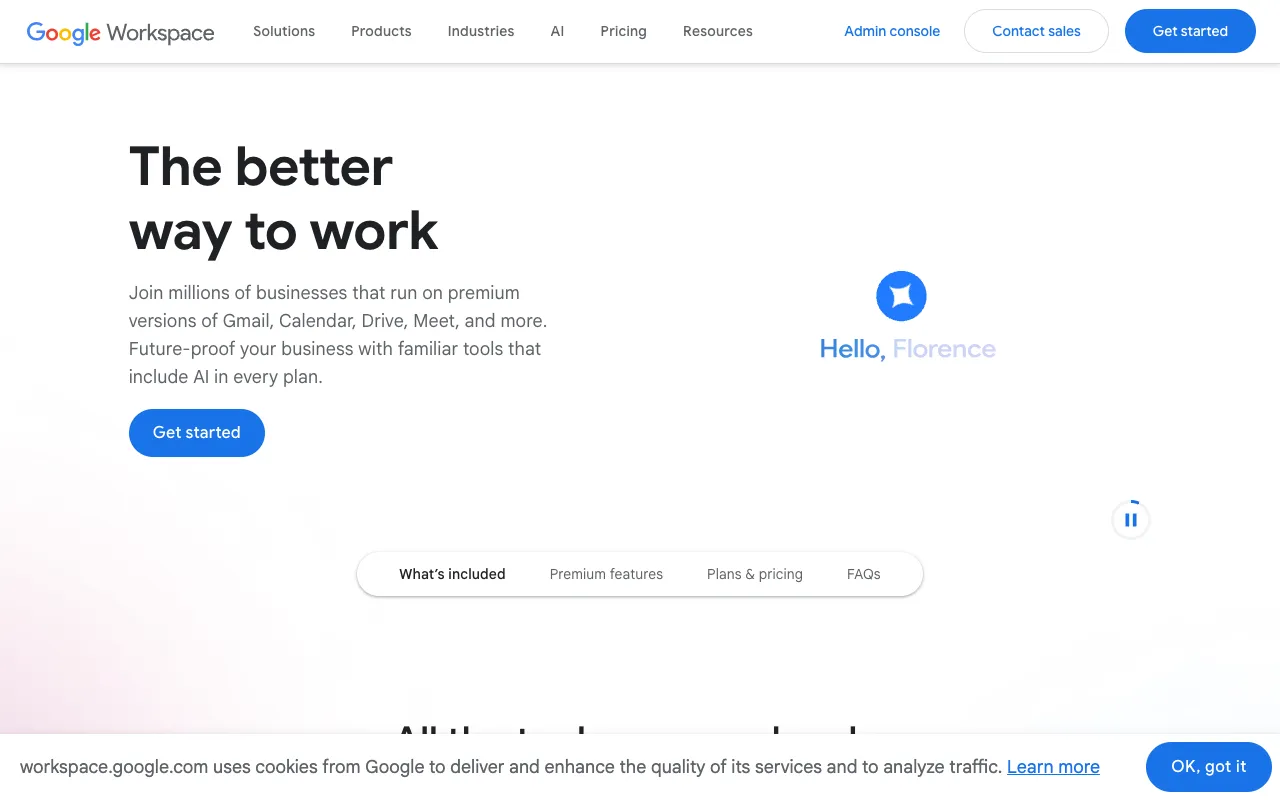
Google Workspace – The Best Productivity Suite for Small Business Owners
For small business owners seeking to streamline operations, enhance team collaboration, and maintain a professional image, Google Workspace is the definitive cloud-based solution. More than just a collection of apps, it's an integrated ecosystem that combines powerful communication tools like Gmail and Meet with robust productivity suites like Docs, Sheets, and Slides, all backed by the security and reliability of Google Cloud. It enables your team to work together in real-time from anywhere, on any device, eliminating the friction of traditional software and outdated workflows.
What is Google Workspace?
Google Workspace is a subscription-based service from Google that bundles its popular consumer-facing apps—like Gmail, Drive, and Docs—with premium business features, enhanced security, administrative controls, and dedicated support. It's designed specifically for organizational use, providing a unified digital workspace where teams can communicate, create content, store files, and hold meetings seamlessly. Unlike using free consumer accounts, Google Workspace offers a custom domain for professional email (you@yourbusiness.com), significantly more cloud storage, advanced security and management tools, and guaranteed uptime, making it the professional-grade choice for serious business operations.
Key Features of Google Workspace for Small Business
Professional Business Email with Gmail
Establish credibility with a custom email address using your company's domain (e.g., name@yourbusiness.com). Google Workspace's Gmail includes powerful business features like 99.9% uptime SLA, zero-day malware and spam protection, shared calendars for scheduling, and the ability to create group mailing lists. Its clean interface and powerful search make managing high-volume business communication efficient.
Real-Time Collaboration with Docs, Sheets & Slides
Create, edit, and collaborate on documents, spreadsheets, and presentations simultaneously with your team. See changes in real-time, leave comments, and use built-in chat without ever sending email attachments. This feature eliminates version confusion and dramatically accelerates project workflows, from drafting proposals to analyzing financial data.
Secure Cloud Storage & File Sharing with Google Drive
Store, sync, and share all your business files securely in the cloud. Google Drive offers centralized storage where you can control sharing permissions at granular levels. It provides robust search, offline access, and integrates directly with Docs, Sheets, and Slides. For small businesses, it replaces the need for costly on-premise servers and complex network drives.
High-Quality Video Conferencing with Google Meet
Host secure video and audio meetings with team members, clients, and partners directly from your calendar or a shareable link. Google Meet includes features essential for business, such as scheduling, dial-in numbers, live captions, screen sharing, and large meeting capacities, facilitating clear communication regardless of location.
Who Should Use Google Workspace?
Google Workspace is the ideal productivity platform for small to medium-sized businesses, startups, freelancers, and remote teams that prioritize collaboration, flexibility, and a low-maintenance IT infrastructure. It's perfect for business owners who want to avoid the complexity and cost of maintaining traditional email servers and licensed software. Teams that need to co-edit documents, sales professionals who require reliable email and scheduling, and consultants who collaborate with clients will find immense value in its integrated toolset.
Google Workspace Pricing and Plans
Google Workspace operates on a monthly per-user subscription model, with several tiers to fit different business needs and budgets. While there is no permanent, feature-complete 'free tier' for business use, Google offers a 14-day free trial for new customers to test the full suite. Paid plans start with the 'Business Starter' tier, which includes professional email, 30 GB of storage per user, and standard support, making it a cost-effective entry point for small teams. Higher tiers offer more storage, enhanced security features, and advanced administrative controls.
Common Use Cases
- Remote team collaboration on project proposals and reports
- Managing client communication with a professional custom email domain
- Securely storing and sharing business contracts and financial documents in the cloud
- Conducting weekly team stand-ups and client onboarding meetings via video
Key Benefits
- Eliminates software compatibility issues and simplifies IT management with a single, cloud-based suite
- Increases team productivity by enabling real-time collaboration, reducing email chains and meeting times
- Enhances business credibility with custom email addresses and reliable, professional-grade tools
- Provides robust data security, admin controls, and compliance features to protect sensitive business information
Pros & Cons
Pros
- Deeply integrated ecosystem where all tools work seamlessly together
- Intuitive, user-friendly interface with minimal learning curve for most users
- Powerful real-time collaboration features that are industry-leading
- Strong mobile experience with fully functional apps for iOS and Android
- Regular, automatic updates with new features at no extra cost
Cons
- Requires a consistent internet connection for full functionality, though offline modes are available
- Advanced spreadsheet functionality may not match all specialized features of desktop software like Microsoft Excel for power users
- Storage is pooled or per-user depending on the plan, which may require management for very storage-intensive teams
Frequently Asked Questions
Is Google Workspace free to use?
Google Workspace is a paid subscription service for businesses. However, Google offers a 14-day free trial for new customers to evaluate all features. For personal use, the consumer versions of apps like Gmail, Drive, and Docs remain free, but they lack the business-centric features, custom domain support, and administrative controls of Google Workspace.
Is Google Workspace good for small business owners?
Yes, Google Workspace is one of the best productivity solutions for small business owners. It consolidates essential tools—email, document creation, storage, and meetings—into one affordable, easy-to-manage platform. It reduces IT complexity, fosters team collaboration, and projects a professional image, which are critical factors for growing a small business efficiently.
What is the difference between Google Workspace and a free Gmail account?
The key difference is that Google Workspace is built for organizations. It allows you to use your company's domain for email (e.g., you@yourbusiness.com), provides significantly more storage with admin controls, offers enhanced security and compliance tools, includes 24/7 customer support, and guarantees service uptime. Free Gmail accounts are for individual, personal use and do not include these business-grade features.
Can I use Microsoft Office files with Google Workspace?
Yes, absolutely. Google Workspace is fully compatible with Microsoft Office file formats. You can easily upload and convert Word, Excel, and PowerPoint files to work on them in Docs, Sheets, and Slides. You can also edit these files in their native format or export your Google files back to Office formats when needed, ensuring smooth collaboration with clients or partners who use Office.
Conclusion
For the modern small business owner focused on agility, collaboration, and professional growth, Google Workspace is more than just a toolset—it's a strategic advantage. By integrating communication, creation, and storage into a single, intuitive platform accessible from anywhere, it removes traditional barriers to productivity. While the subscription model represents an ongoing cost, the value derived from streamlined operations, enhanced team synergy, and a fortified professional presence makes it a compelling and often essential investment. If your business thrives on collaboration and needs reliable, scalable tools without IT overhead, Google Workspace stands as a top-tier choice to empower your team and drive your business forward.