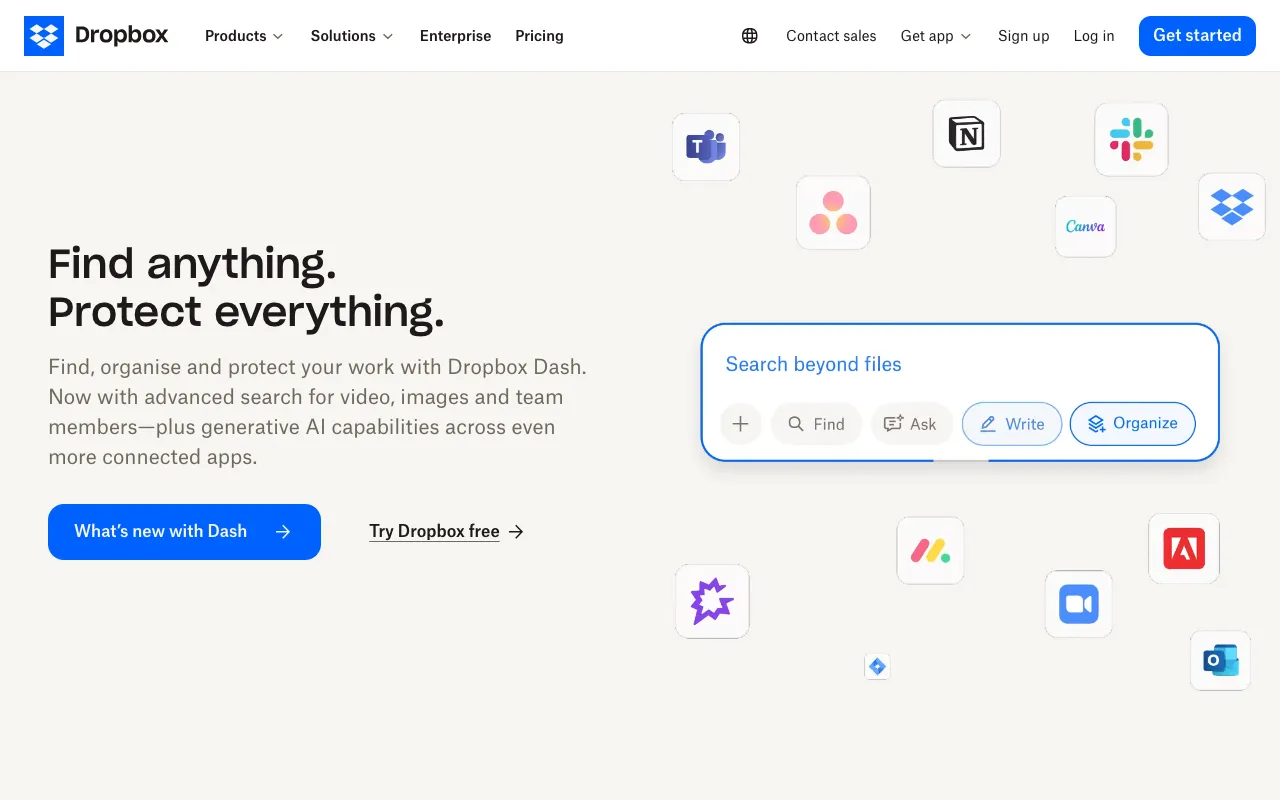
Dropbox – Best Cloud Storage Solution for Small Business Owners
For small business owners managing critical documents, client files, and team projects, reliable cloud storage is non-negotiable. Dropbox stands as a premier solution, offering a secure, intuitive platform to backup, synchronize, and share files from any device. It transforms how small teams collaborate, ensuring everyone has access to the latest versions while protecting against data loss. With its robust free tier and scalable paid plans, Dropbox is engineered to support business growth from day one.
What is Dropbox?
Dropbox is a comprehensive cloud storage and file synchronization service designed to simplify digital asset management for businesses and individuals. At its core, it creates a secure, centralized hub where files are automatically backed up and synced across computers, smartphones, and tablets. For small business owners, this means no more emailing large attachments, searching for lost documents, or worrying about hard drive failures. It's a foundational tool that supports remote work, client collaboration, and organized file management, making it an essential part of the modern small business tech stack.
Key Features of Dropbox for Small Business
Secure File Backup & Sync
Dropbox automatically backs up your important business documents, photos, and videos to the cloud. Any file saved to your Dropbox folder is instantly synced and accessible on all your linked devices, ensuring you always have the most current version whether you're in the office or on the go.
Easy File Sharing & Collaboration
Share files and folders of any size with clients, contractors, or team members via simple links—no need for recipients to have a Dropbox account. Collaborate in real-time on documents with commenting, task assignments, and version history, so everyone stays on the same page.
Team Workspace & Organization
Dropbox Spaces (in Dropbox Business) creates organized workspaces for each project, bringing files, tasks, and conversations together in one place. This reduces clutter and keeps your team focused, streamlining workflows for marketing campaigns, client projects, and internal operations.
Advanced Security & Control
Protect your business data with features like two-factor authentication, remote device wipe, and 256-bit AES encryption. Admin controls allow you to manage team members, monitor sharing activity, and recover deleted files for up to 180 days (on Business plans).
Who Should Use Dropbox?
Dropbox is ideally suited for small business owners, freelancers, consultants, and remote teams who need a reliable, centralized system for their digital files. It's perfect for creative agencies sharing large design files, consultants collaborating on client proposals, retail businesses backing up inventory lists, or any team that works across multiple locations. If your business relies on accessing and sharing documents, presentations, spreadsheets, or media files securely from anywhere, Dropbox is a critical productivity tool.
Dropbox Pricing and Free Tier for Small Business
Dropbox offers a generous free tier (Dropbox Basic) with 2 GB of storage, perfect for individuals or very small businesses to test core features. For growing teams, Dropbox Professional provides 3 TB of space and advanced sharing controls. Dropbox Business plans start with 5 TB (minimum 3 users) and include team management tools, enhanced security, and premium support. This scalable pricing ensures you only pay for the storage and features your business needs, making it a cost-effective solution from solopreneur to small enterprise.
Common Use Cases
- Secure client document portal for consultants and freelancers
- Centralized asset library for marketing and creative teams
Key Benefits
- Eliminate data loss worries with automatic cloud backup
- Accelerate project delivery with seamless team collaboration
Pros & Cons
Pros
- Intuitive interface requires minimal training for team adoption
- Robust cross-platform compatibility (Windows, Mac, iOS, Android, Web)
- Industry-leading file synchronization speed and reliability
- Strong security features to protect sensitive business data
Cons
- Free storage tier (2GB) may be limiting for media-heavy businesses
- Advanced collaboration features require a Business subscription
Frequently Asked Questions
Is Dropbox free to use for small business?
Yes, Dropbox offers a free Basic plan with 2 GB of storage. This is suitable for solo entrepreneurs or for testing the service. For team collaboration and more storage, paid Business plans are available.
Is Dropbox good for small business collaboration?
Absolutely. Dropbox excels at small business collaboration with features like shared folders, link-based file sharing, real-time commenting, and version history. Its Business plans add dedicated team workspaces for organized project management.
How secure is Dropbox for business files?
Dropbox employs bank-level 256-bit AES encryption for files at rest and SSL/TLS encryption for data in transit. Business plans include additional admin controls, two-factor authentication, and remote wipe to secure company data.
Can I access Dropbox files offline?
Yes. Using the Dropbox desktop or mobile apps, you can mark files as 'Available Offline'. These files are stored locally on your device, allowing you to view and edit them without an internet connection; changes sync once you're back online.
Conclusion
For small business owners seeking a dependable, user-friendly cloud storage foundation, Dropbox delivers exceptional value. It seamlessly bridges the gap between simple file backup and powerful team collaboration. The availability of a free tier lowers the barrier to entry, while its scalable paid plans grow alongside your business needs. By centralizing files, securing data, and streamlining teamwork, Dropbox isn't just a storage tool—it's a productivity platform that empowers small businesses to operate more efficiently and confidently in a digital world.