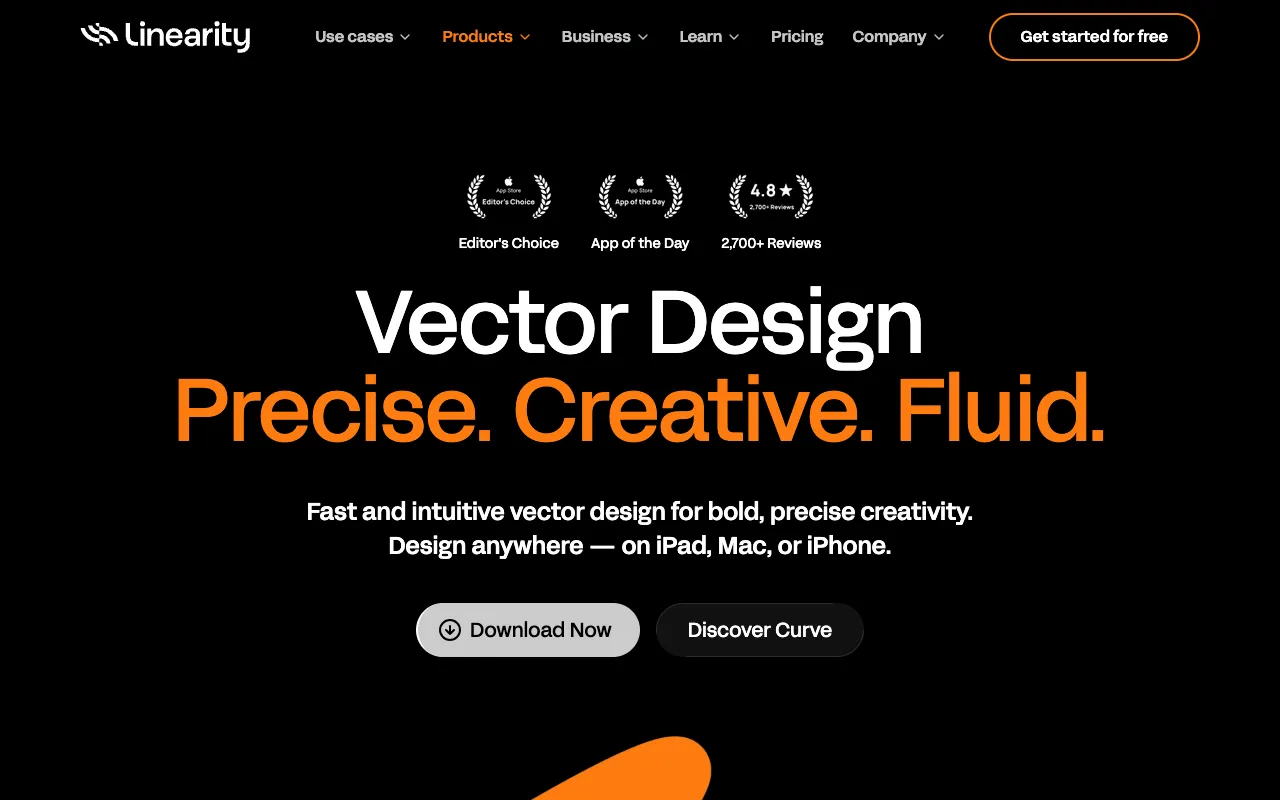
Linearity Curve – Best Vector Design App for Graphic Designers
Linearity Curve, formerly known as Vectornator, is a premier vector design application built exclusively for the Apple ecosystem. Tailored for graphic designers, illustrators, and UI/UX professionals, it combines a powerful feature set with an intuitive interface. Whether you're sketching on an iPad, refining on a Mac, or making quick edits on your iPhone, Linearity Curve offers a seamless, professional-grade design experience that rivals expensive desktop software, and it starts with a remarkably capable free tier.
What is Linearity Curve?
Linearity Curve is a native vector graphics editor for macOS, iPadOS, and iOS, designed to empower creatives with a fluid, modern toolset. It's the evolution of the popular Vectornator app, now integrated into the broader Linearity suite. Its core purpose is to enable the creation of precise, scalable vector artwork—from complex illustrations and branding assets to detailed UI mockups and icon sets. Built with performance in mind, it leverages Apple's technologies like Metal and PencilKit to deliver a responsive drawing experience that feels natural, whether you're using an Apple Pencil on an iPad Pro or a mouse on a Mac Studio.
Key Features of Linearity Curve
Advanced Vector Editing Tools
Gain full control over every point and path with a comprehensive pen tool, node editing, Boolean operations, and advanced pathfinder functions. Create perfect curves and shapes for logos, icons, and intricate illustrations.
Seamless Apple Ecosystem Integration
Enjoy true cross-platform continuity with iCloud sync. Start a design on your iPad, continue on your Mac, and review on your iPhone—all with your work automatically updated across devices.
Professional Typography & Text Tools
Work with a vast library of fonts and advanced text styling options, including OpenType features, text on a path, and perfect character and paragraph spacing for branding and UI design projects.
Powerful Asset & Symbol Libraries
Boost your workflow efficiency by creating reusable symbols and managing assets in centralized libraries. Update a master symbol once, and see the change propagate across all instances in your document.
Who Should Use Linearity Curve?
Linearity Curve is ideal for graphic designers seeking a powerful, Apple-native alternative to subscription-based software. It's perfect for freelance illustrators who value portability and Apple Pencil support, UI/UX designers creating wireframes and high-fidelity mockups, logo and branding specialists needing precision vector tools, and marketing teams creating scalable social media graphics and presentation assets. Its learning curve is gentle for beginners but deep enough for seasoned professionals.
Linearity Curve Pricing and Free Tier
Linearity Curve operates on a freemium model. The core app is completely free to download and use, offering a vast majority of its professional vector tools without any time limits or watermarks. For teams and power users requiring advanced collaboration features, version history, and premium templates, Linearity offers a Pro subscription (Linearity Pro). This makes it an exceptional value, allowing individual designers and small studios to access top-tier vector software at no upfront cost.
Common Use Cases
- Creating scalable logo designs and brand identity systems
- Designing user interface mockups and app icons for iOS and macOS
- Producing detailed vector illustrations and digital art for print or web
Key Benefits
- Eliminate software subscription costs with a powerful, free core application
- Increase design mobility by working seamlessly across Mac, iPad, and iPhone
- Achieve professional results with tools optimized for Apple's hardware and ecosystem
Pros & Cons
Pros
- Extremely capable and completely free tier for individual use
- Exceptional performance and Apple Pencil integration on iPad
- Intuitive, modern interface that reduces the learning curve
- Robust vector toolset comparable to established industry standards
Cons
- Exclusive to Apple devices (macOS, iPadOS, iOS), limiting Windows/Android users
- Some advanced collaboration and cloud features require a paid Pro subscription
Frequently Asked Questions
Is Linearity Curve free to use?
Yes, the core Linearity Curve application is completely free. You can download it on the Mac App Store, iPad App Store, or iPhone App Store and access most of its professional vector design tools without any payment, subscription, or watermark. A paid 'Pro' tier exists for team collaboration and additional cloud features.
Is Linearity Curve good for professional graphic design?
Absolutely. Linearity Curve is a professional-grade tool trusted by freelancers, illustrators, and design studios. Its precision vector tools, typography controls, and asset management features are built for real-world design workflows, making it excellent for creating logos, UI/UX designs, marketing materials, and detailed illustrations.
Can I use Linearity Curve on Windows or Android?
No, Linearity Curve is designed exclusively for Apple's ecosystem. It is available for macOS, iPadOS, and iOS. For designers on Windows or Android, alternative cross-platform vector software would be required.
Conclusion
For graphic designers invested in the Apple ecosystem, Linearity Curve represents a compelling and cost-effective powerhouse. It successfully bridges the gap between accessibility and professional capability, offering a free tier that doesn't compromise on core features. Whether you're a freelancer looking to minimize software expenses, an illustrator craving the fluidity of Apple Pencil, or a UI designer needing precision tools, Linearity Curve stands out as a top-tier solution. It delivers the performance, polish, and results expected from premium design software, making it an essential tool for any modern creative workflow.