Kubernetes – The Essential Container Orchestration Platform for DevOps
Kubernetes is the de facto open-source standard for container orchestration, empowering DevOps engineers to automate, scale, and manage containerized applications with unprecedented efficiency and reliability. Originally designed by Google, it has become the backbone of cloud-native infrastructure, enabling teams to deploy applications faster, ensure high availability, and optimize resource utilization across any environment.
What is Kubernetes?
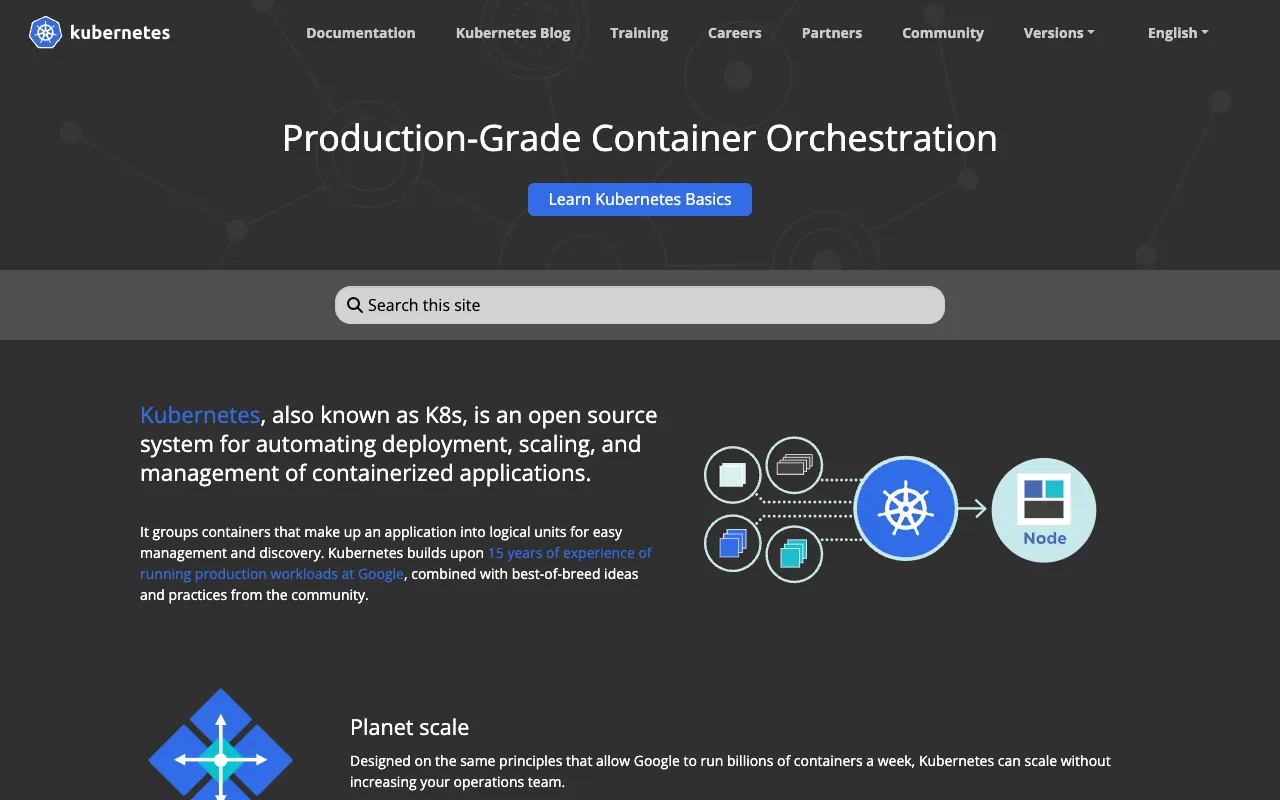
Kubernetes, often abbreviated as K8s, is an open-source container orchestration platform that automates the entire lifecycle of containerized applications. It provides a robust framework for deploying, scaling, and operating application containers across clusters of hosts. For DevOps engineers, Kubernetes acts as a control plane that manages the complex interplay of services, networking, storage, and compute resources, abstracting away infrastructure complexity and allowing developers to focus on building applications. It's designed to run anywhere—on-premises, in public clouds, or in hybrid environments—making it the universal platform for modern, scalable software.
Key Features of Kubernetes
Automated Rollouts and Rollbacks
Kubernetes allows you to declaratively manage your application's state. You can automate deployments using strategies like rolling updates, ensuring zero-downtime releases. If something goes wrong, you can instantly rollback to a previous stable version, minimizing risk and recovery time.
Service Discovery and Load Balancing
Kubernetes can automatically expose a container using a DNS name or its own IP address. If traffic to a container is high, Kubernetes is capable of load balancing and distributing network traffic to ensure the deployment remains stable and responsive.
Self-Healing and Automatic Scaling
The platform automatically restarts failed containers, replaces and reschedules containers when nodes die, and kills containers that don't respond to user-defined health checks. Combined with Horizontal Pod Autoscaler (HPA), it can automatically scale your application up or down based on CPU usage or other select metrics.
Secret and Configuration Management
Kubernetes lets you store and manage sensitive information, such as passwords, OAuth tokens, and SSH keys. You can deploy and update secrets and application configuration without rebuilding your container images and without exposing secrets in your stack configuration.
Storage Orchestration
Automatically mount the storage system of your choice, whether from local storage, a public cloud provider (like AWS EBS or GCP Persistent Disk), or a network storage system (like NFS). This abstraction allows for persistent data management in a stateless container environment.
Who Should Use Kubernetes?
Kubernetes is essential for DevOps engineers, SREs (Site Reliability Engineers), and platform teams managing microservices architectures at scale. It's ideal for organizations running containerized applications that require high availability, automated scaling, and consistent deployment across multiple environments (development, staging, production). Companies transitioning to cloud-native development, implementing CI/CD pipelines, or seeking to reduce infrastructure costs through efficient resource utilization will find Kubernetes indispensable. While there is a learning curve, its benefits for complex, distributed systems are unparalleled.
Kubernetes Pricing and Free Tier
Kubernetes itself is 100% open-source and free to use. You can download and run it on your own infrastructure at no cost. Major cloud providers like Google Cloud (GKE), Amazon (EKS), and Microsoft Azure (AKS) offer managed Kubernetes services, which handle the control plane management for you. These managed services have a cost associated with the underlying compute, storage, and networking resources you consume, but they significantly reduce operational overhead. The core orchestration software remains free, making it accessible for everyone from individual developers to large enterprises.
Common Use Cases
- Deploying and managing a microservices-based e-commerce platform with automatic scaling for holiday traffic
- Building a resilient, multi-region SaaS application that requires zero-downtime deployments and rollbacks
- Modernizing legacy monolithic applications by containerizing them and orchestrating their lifecycle with Kubernetes
Key Benefits
- Reduces deployment complexity and human error through declarative configuration and automation
- Maximizes infrastructure efficiency and reduces costs by optimally packing containers onto nodes
- Enables true portability, allowing applications to run consistently across different cloud and on-premises environments
Pros & Cons
Pros
- Industry-standard platform with massive community support and extensive ecosystem
- Powerful automation for deployment, scaling, and recovery, enabling DevOps best practices
- Highly extensible through a rich API and a vast landscape of tools (Helm, Operators, etc.)
Cons
- Steep learning curve with inherent complexity in concepts and architecture
- Managing a production-grade cluster requires significant operational expertise and resources
- While the software is free, running it at scale can incur costs for infrastructure and management
Frequently Asked Questions
Is Kubernetes free to use?
Yes, Kubernetes is completely open-source and free software. You can download, install, and run it on your own hardware without any licensing fees. Costs are associated with the underlying infrastructure (servers, cloud VMs) and optional managed services from cloud providers.
Is Kubernetes good for DevOps engineers?
Absolutely. Kubernetes is arguably the most important tool in a modern DevOps engineer's toolkit. It embodies DevOps principles by automating infrastructure, enabling continuous deployment, facilitating monitoring, and providing the platform for building scalable, resilient systems. Proficiency in Kubernetes is a highly sought-after skill in the DevOps job market.
What is the difference between Docker and Kubernetes?
Docker is a platform for building, shipping, and running individual containers. Kubernetes is a system for orchestrating and managing many containers (often built with Docker) across a cluster of machines. Think of Docker as the tool that packages your application, and Kubernetes as the conductor that manages where and how those packages run at scale.
Can I run Kubernetes on my laptop for development?
Yes, tools like Minikube, Kind (Kubernetes in Docker), and Docker Desktop's Kubernetes feature allow you to run a single-node Kubernetes cluster locally. This is excellent for development, learning, and testing application configurations before deploying to a production cluster.
Conclusion
For DevOps engineers building the future of software, Kubernetes is not just a tool—it's a fundamental platform. Its ability to automate complex container orchestration tasks unlocks agility, resilience, and scalability that define modern cloud-native applications. While mastering it requires investment, the payoff in operational efficiency, developer productivity, and system reliability is immense. For any team serious about microservices, continuous delivery, and infrastructure as code, adopting Kubernetes is a strategic imperative and a cornerstone of a mature DevOps practice.