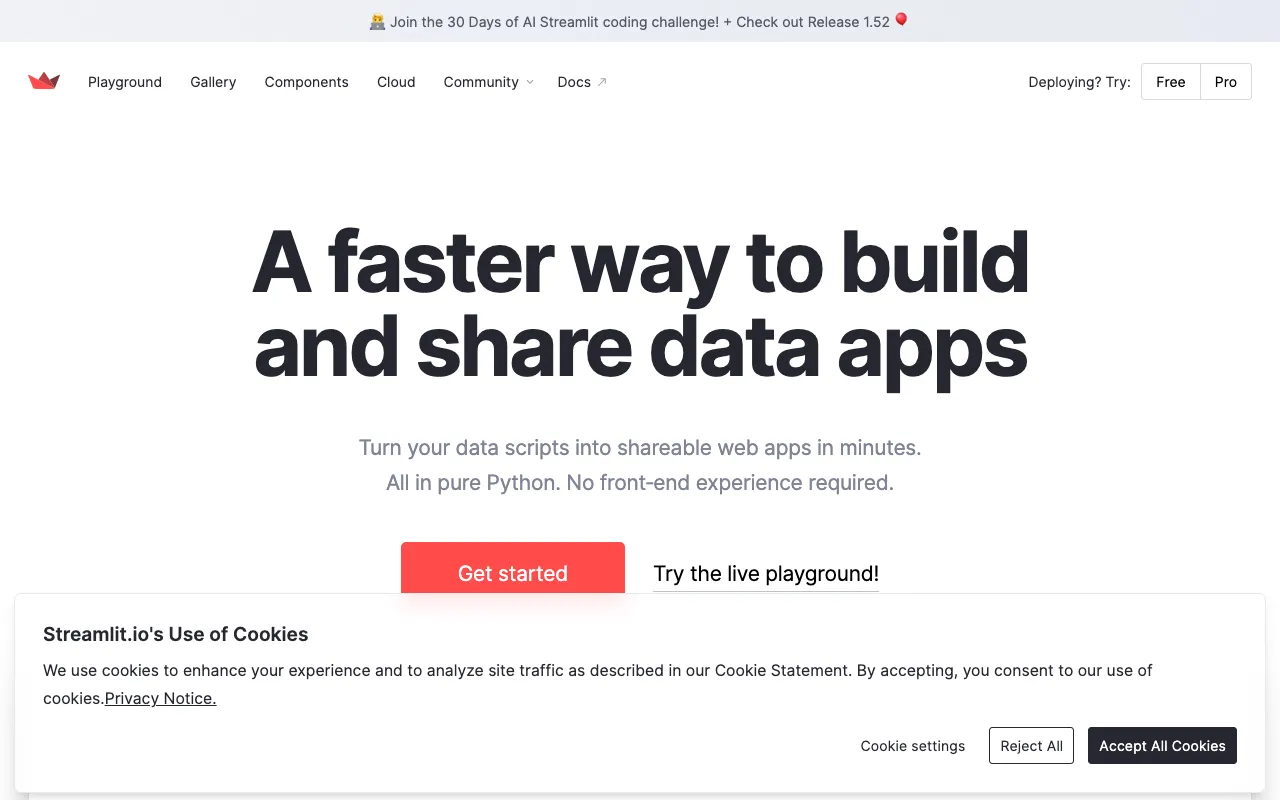
Streamlit – The Best Web App Framework for AI Researchers
Streamlit revolutionizes how AI researchers and data scientists share their work. This open-source Python framework transforms data scripts and machine learning models into beautiful, interactive web applications in minutes, not weeks. Designed specifically for the ML workflow, Streamlit eliminates the traditional barriers of web development, allowing you to focus on what matters: building and demonstrating your research.
What is Streamlit?
Streamlit is a powerful, open-source Python library built from the ground up for machine learning and data science. It provides a simple, intuitive API that lets AI researchers turn complex data pipelines, analyses, and trained models into fully-functional, shareable web applications with minimal code. Unlike general-purpose web frameworks, Streamlit understands the data science lifecycle, offering widgets and components tailored for interactive data exploration, real-time model inference, and result visualization. It bridges the gap between a Jupyter notebook and a production-ready demo, making your research accessible, reproducible, and impactful.
Key Features of Streamlit for AI Research
Rapid Prototyping & Iteration
See changes to your app in real-time with Streamlit's hot-reloading. Every time you save your script, the app updates instantly. This feature is invaluable for AI researchers experimenting with different model parameters, data visualizations, or UI layouts, enabling a fast feedback loop for development.
Interactive Widgets for Model Tuning
Integrate sliders, dropdowns, file uploaders, and text inputs directly into your app with just a few lines of Python. This allows end-users—whether they're collaborators, reviewers, or stakeholders—to interact with your AI model by adjusting hyperparameters, uploading new datasets, or providing custom input, making your research dynamic and engaging.
Seamless Data & Model Integration
Streamlit works natively with the entire PyData stack (Pandas, NumPy, Matplotlib, Plotly) and major ML libraries (Scikit-learn, TensorFlow, PyTorch). You can directly load dataframes, plot charts, and run model predictions within your app script, creating a cohesive environment from data loading to interactive presentation.
Easy Deployment & Sharing
Share your AI research app with anyone, anywhere. Streamlit offers multiple deployment options, including its own free community cloud (Streamlit Community Cloud) for public sharing, or you can deploy on private servers, AWS, GCP, or Azure. This turns your local prototype into a globally accessible tool for collaboration and demonstration.
Stateful Apps for Complex Workflows
Manage user sessions and app state to build sophisticated, multi-step applications. This is essential for AI research tools that involve sequential processes, like data preprocessing, model training, evaluation, and result export, all within a single, cohesive app experience.
Who Should Use Streamlit?
Streamlit is the ideal tool for AI researchers, data scientists, ML engineers, and academics who need to communicate complex findings interactively. It's perfect for: Researchers publishing papers who want to provide an interactive demo of their model; Data scientists building internal tools for data exploration and reporting; Educators creating interactive tutorials for machine learning concepts; Teams needing to build quick proof-of-concept dashboards for stakeholders; Anyone tired of static charts in presentations and seeking to make their data tell a dynamic story.
Streamlit Pricing and Free Tier
Streamlit's core library is completely free and open-source under the Apache 2.0 license. You can download, use, and modify it for any project without cost. For sharing apps, Streamlit Community Cloud offers a generous free tier for public applications. For teams requiring private apps, advanced features, and enterprise-grade security, Streamlit offers paid plans through its parent company, Snowflake.
Common Use Cases
- Interactive model demo for academic paper publication and peer review
- Internal data labeling and annotation tool for machine learning teams
- Real-time model performance dashboard for A/B testing different algorithms
- Educational platform for teaching neural network concepts with adjustable parameters
Key Benefits
- Accelerate research impact by turning static findings into interactive experiences anyone can use.
- Dramatically reduce the time from model development to stakeholder presentation from weeks to hours.
- Enhance collaboration by providing a common, interactive interface for technical and non-technical team members.
- Increase reproducibility in AI research by packaging data, code, and UI into a single, deployable application.
Pros & Cons
Pros
- Incredibly fast learning curve; build a functional app in an afternoon.
- Eliminates the need for front-end developers or knowledge of HTML/JavaScript for basic apps.
- Tight integration with the Python data science ecosystem feels native and effortless.
- Strong, active community with a wealth of tutorials, components, and example apps.
- Free and open-source core, making it accessible for all researchers and hobbyists.
Cons
- Primarily designed for building relatively simple, single-page apps; complex, multi-page applications require workarounds.
- Customizing the visual design beyond the built-in themes can be more challenging than with traditional web frameworks.
- While deployment is easy, scaling high-traffic applications requires proper infrastructure planning.
Frequently Asked Questions
Is Streamlit free to use for AI research?
Yes, absolutely. The Streamlit Python library is 100% free and open-source. You can use it to build unlimited applications locally. Sharing apps publicly on Streamlit Community Cloud is also free, making it a zero-cost solution for most academic and open research projects.
Is Streamlit good for deploying production machine learning models?
Streamlit is excellent for creating prototypes, demos, and internal tools. For deploying high-stakes, customer-facing production models that require complex authentication, microservices, and extreme scalability, it's often used as the front-end interface while the core model runs on a dedicated backend API. It's the perfect tool for the 'last mile' of model presentation and interaction.
Do I need to know web development (HTML, CSS, JS) to use Streamlit?
No, that's the primary advantage. Streamlit is designed for Python developers, data scientists, and AI researchers. You can create fully interactive, visually appealing web applications using only Python. For advanced customizations, knowledge of web technologies can be helpful but is not required to get started and build powerful apps.
How does Streamlit compare to Jupyter Notebooks for sharing research?
Jupyter Notebooks are ideal for exploratory analysis and presenting linear narratives with code. Streamlit excels at creating interactive applications. While a notebook shows what you did, a Streamlit app lets others *do* it themselves. It provides a cleaner, more app-like user interface without visible code cells, making it more suitable for demonstrations to broader audiences.
Conclusion
For AI researchers seeking to amplify the reach and impact of their work, Streamlit is not just a tool—it's a paradigm shift. It democratizes access to complex models by transforming them into engaging, interactive experiences. By drastically reducing the friction between a trained model and a usable application, Streamlit empowers researchers to focus on innovation while effortlessly creating the best possible showcase for their discoveries. If your goal is to move beyond static papers and PDFs to create living, interactive research artifacts, Streamlit is the definitive framework of choice.